DELIVERY · 7 MIN READ
What is the best way to deliver real estate photos to agents?
No delivery tool is automatically best for every studio. A simple link may suit one workflow, while a multi-service package or controlled access may require a more structured client view.
QUICK ANSWER
The best delivery method is the one that gives the intended agent a clear, accessible package of approved files while preserving property identity, version control and a delivery record. Compare a shared folder, gallery or client portal against your actual package, recipient and support needs; test the recipient view before sending and record the handoff on the property job.
Choose from the delivery requirements
Start with the order rather than the tool. Identify the recipient, media types, output variants, access expectations, approval state and whether the team needs to record or update the handoff later.
Use the studio’s current service terms and client expectations. Do not add access restrictions, expiry or download behavior that was never communicated.
| Requirement | Question to answer | Operational consequence |
|---|---|---|
| Package | Photos only or several media types? | Folder, gallery or structured portal view |
| Access | Who should open or download? | Sharing and support process |
| Versions | Can a corrected set replace the old one safely? | Revision and notification method |
| Evidence | How will the team know what was sent? | Delivery event on the job |
Compare methods without forcing a winner
A shared folder can be familiar and direct, but the team must control permissions and prevent working files from appearing. A gallery can offer a polished photo experience, while other media may need a separate path. A client portal can group services and history, but only if clients can use it without unnecessary friction.
Evaluate current documented behavior of any vendor you consider. This guide compares workflow needs, not named products or prices.
Build and test the client-facing package
Include only approved outputs and label the property clearly. If there are high-resolution, web-ready, branded or unbranded variants, explain them in client language. Open the link from a non-owner or test-recipient view before release.
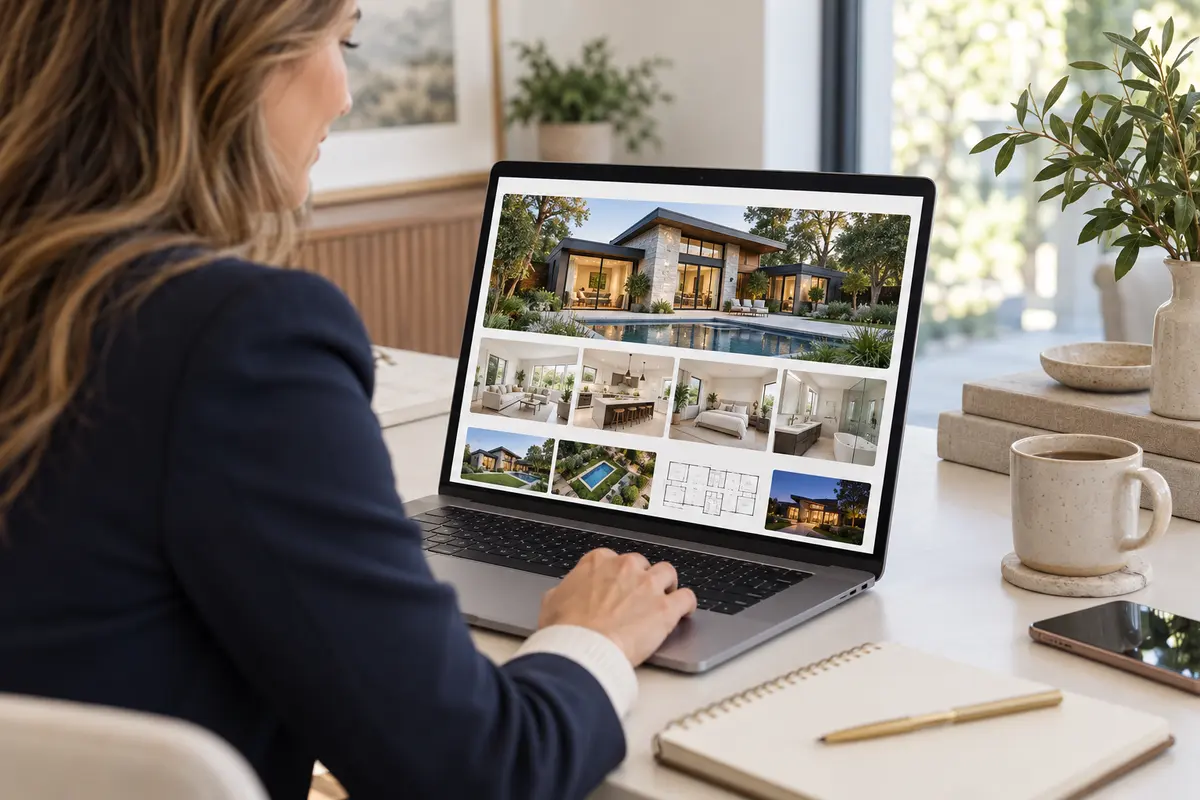
For an illustrative package with photos and a floor plan, confirm both are present, readable and tied to the right property. If video remains outstanding, either hold the package or clearly document an agreed partial delivery.
Record delivery and handle corrections
Store the delivery time, intended recipient, package reference and items included on the job. If a correction is approved later, update the controlled package or create a clearly identified replacement and notify the recipient through the studio’s process.
PhotoTrackly’s planned client-delivery workflow is intended to keep the handoff connected to the job; it should not be treated as a currently available gallery or storage promise.